How to log your KalandKör400 stages or your full Lake Balaton lap
KalandKör400 is more than an exciting, modern route around Lake Balaton: it is a digitally connected cycling challenge, with ride verification and leaderboards built for the way cyclists ride today. Below, we show you how to record your stages with a phone or GPS device.
To record the 12 stages of the nearly 400-kilometer Lake Balaton loop, all you need is a smartphone with internet access capable of scanning QR codes or a GPS device that can record tracks. Online registration of completed KK400 stages can basically be done in two ways:
- By scanning QR codes on a smartphone
- By uploading a GPS track
Additional note: due to network coverage and system instability, if you complete the full loop, this is the safest backup approach.

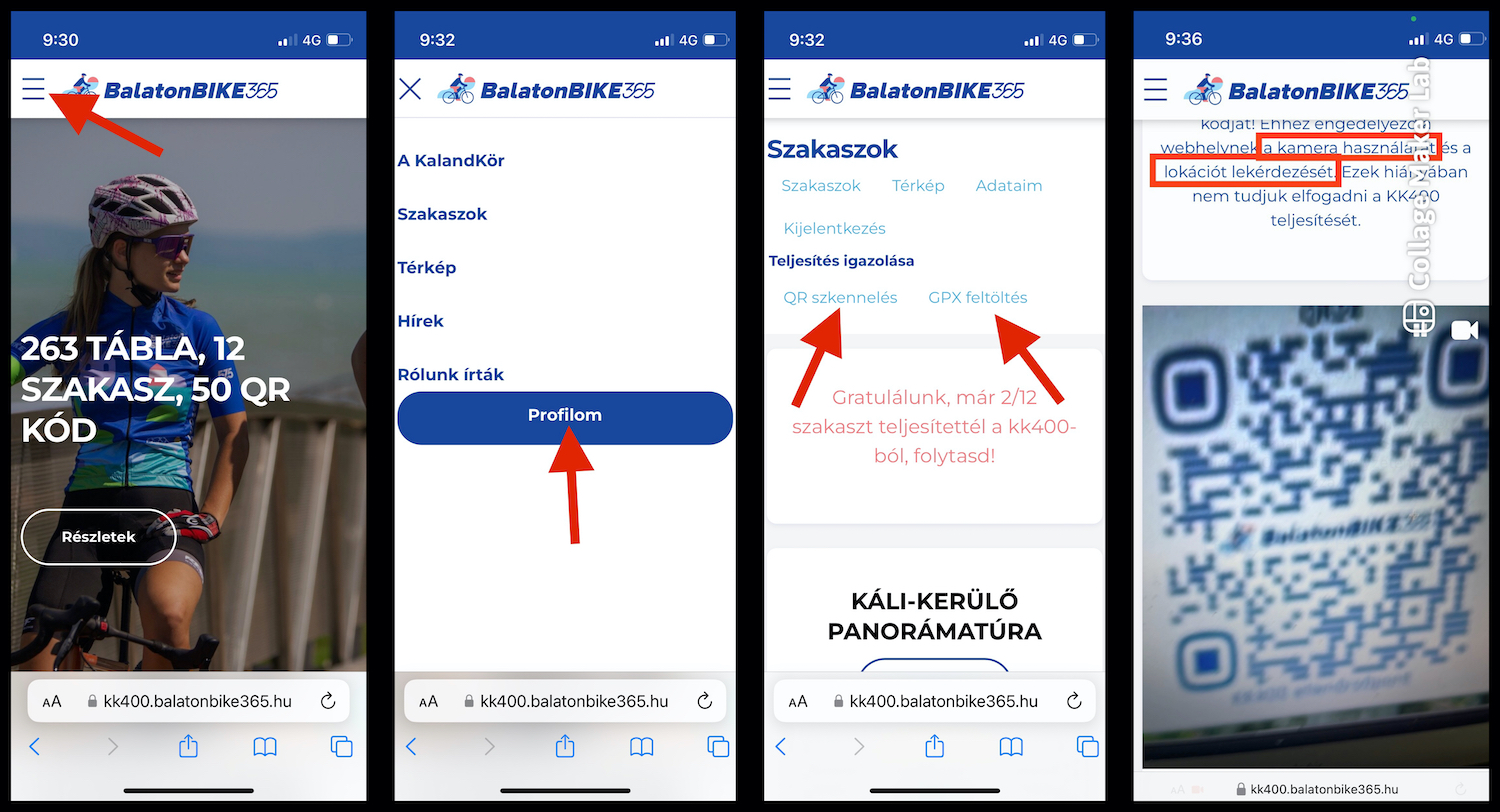
In both cases the process is very simple: register a profile on https://kk400.balatonbike365.hu, sign in through your browser, and click the "My Profile" button in the menu to complete the required steps.
1. The "easier" option: phone + QR code:
It is worth preparing as thoroughly as possible before riding KalandKör400 stages. Still, do not worry if you do not like long planning. You can complete the route using the posted signs; you only need to find the stage start points and the placed QR codes.
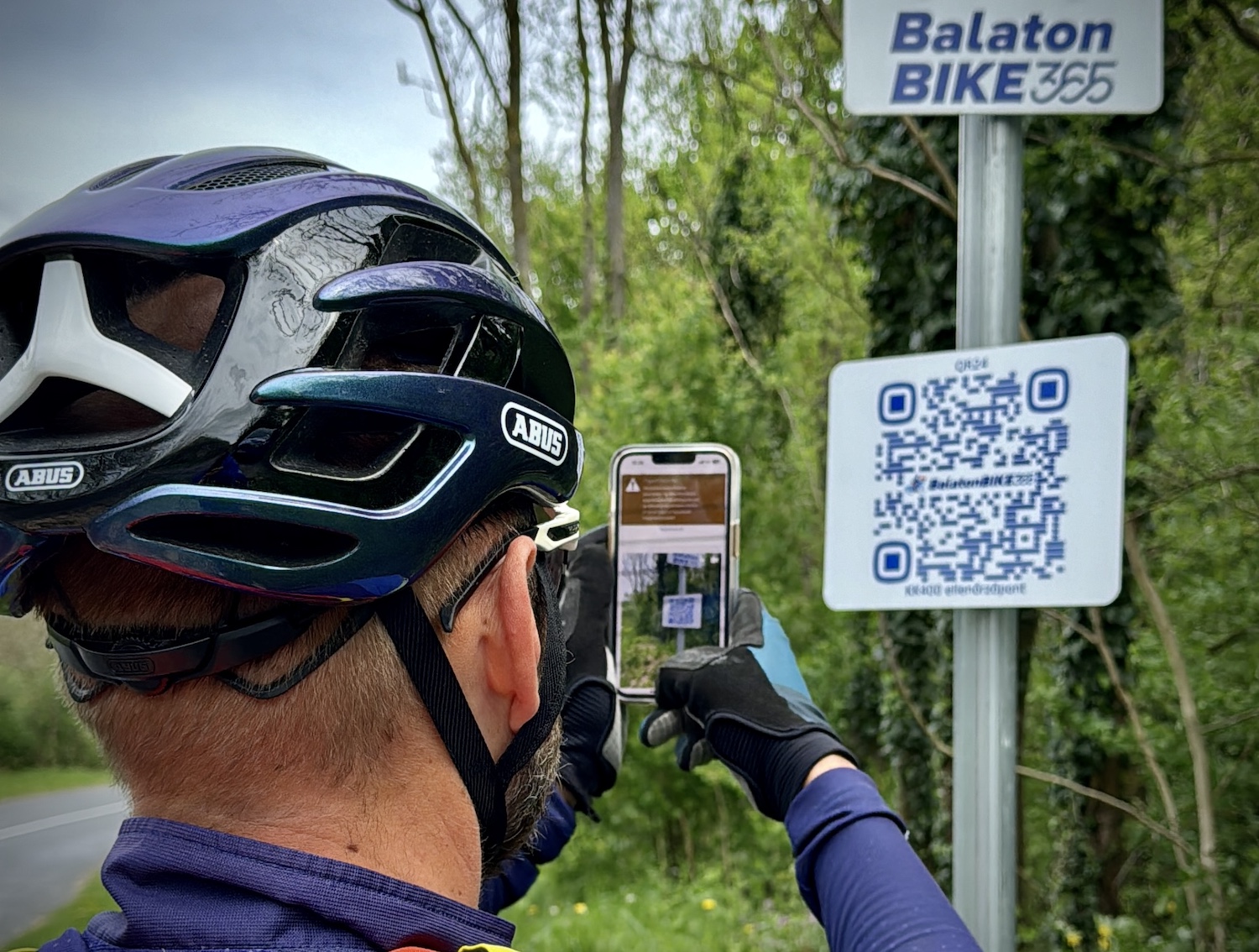
More detailed stage info is available on the kk400 site under the "Stages" menu, with GPX download options, plus the coordinates of QR checkpoints and stage start/end points.
If you prefer map-based orientation, you will also find a map under "My Profile". With it you can find stage checkpoints and start/end points. At the latter you will see not only QR codes, but also red signs marked "stage boundary".
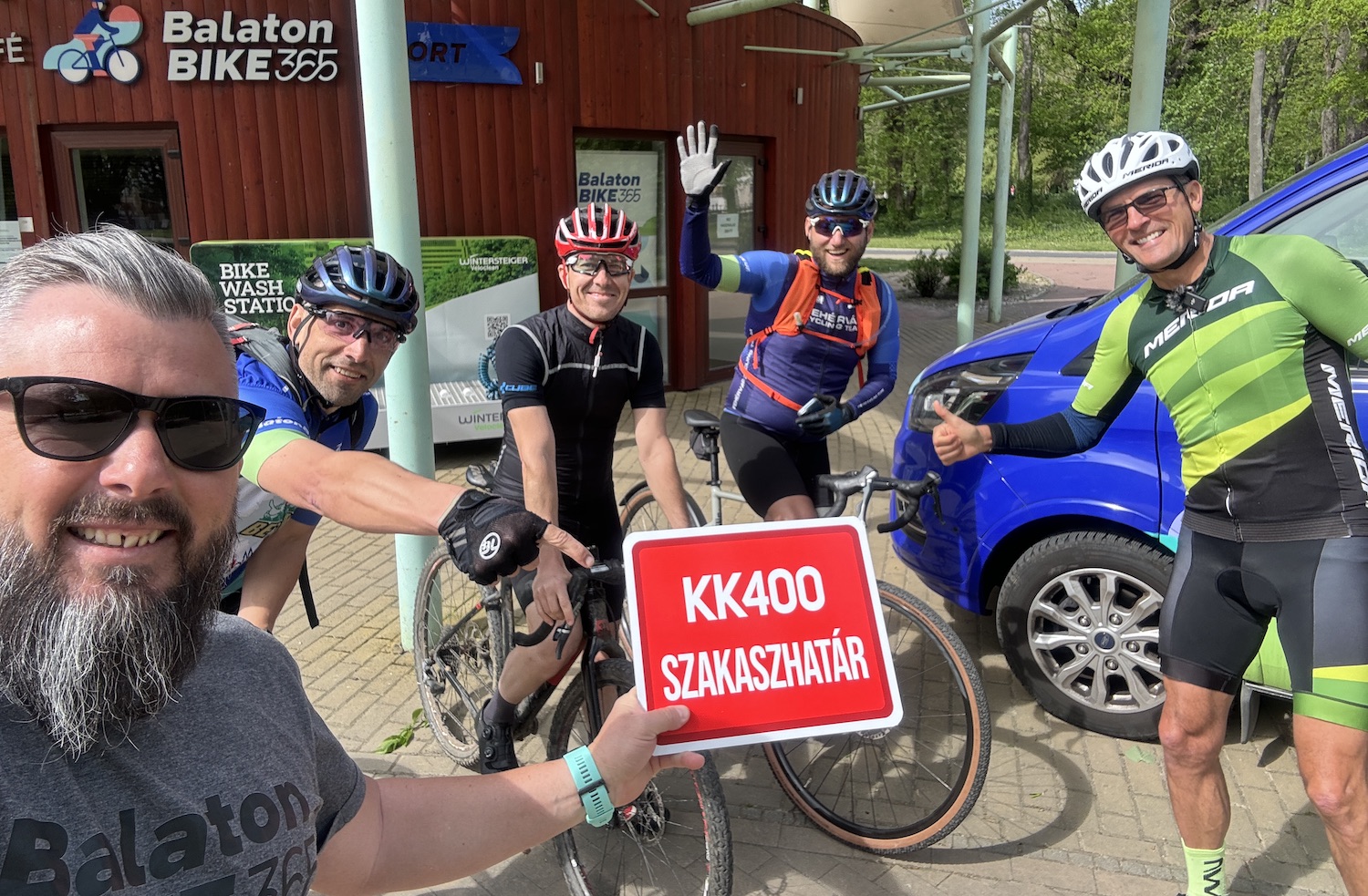
Once you are standing at a "stage boundary" sign, simply select "Completion verification"/QR scan in your profile and allow kk400.balatonbike365.hu to use your camera and location. The camera view appears and you scan the QR code. After that, head to the next QR checkpoints and the next stage boundary.
Important: internet access and adequate mobile signal are required; without them, scanning may fail. QR scanning is possible only at the exact location because the system matches the phone position and the QR code location. (So taking a photo of the QR code and scanning later will not work.)
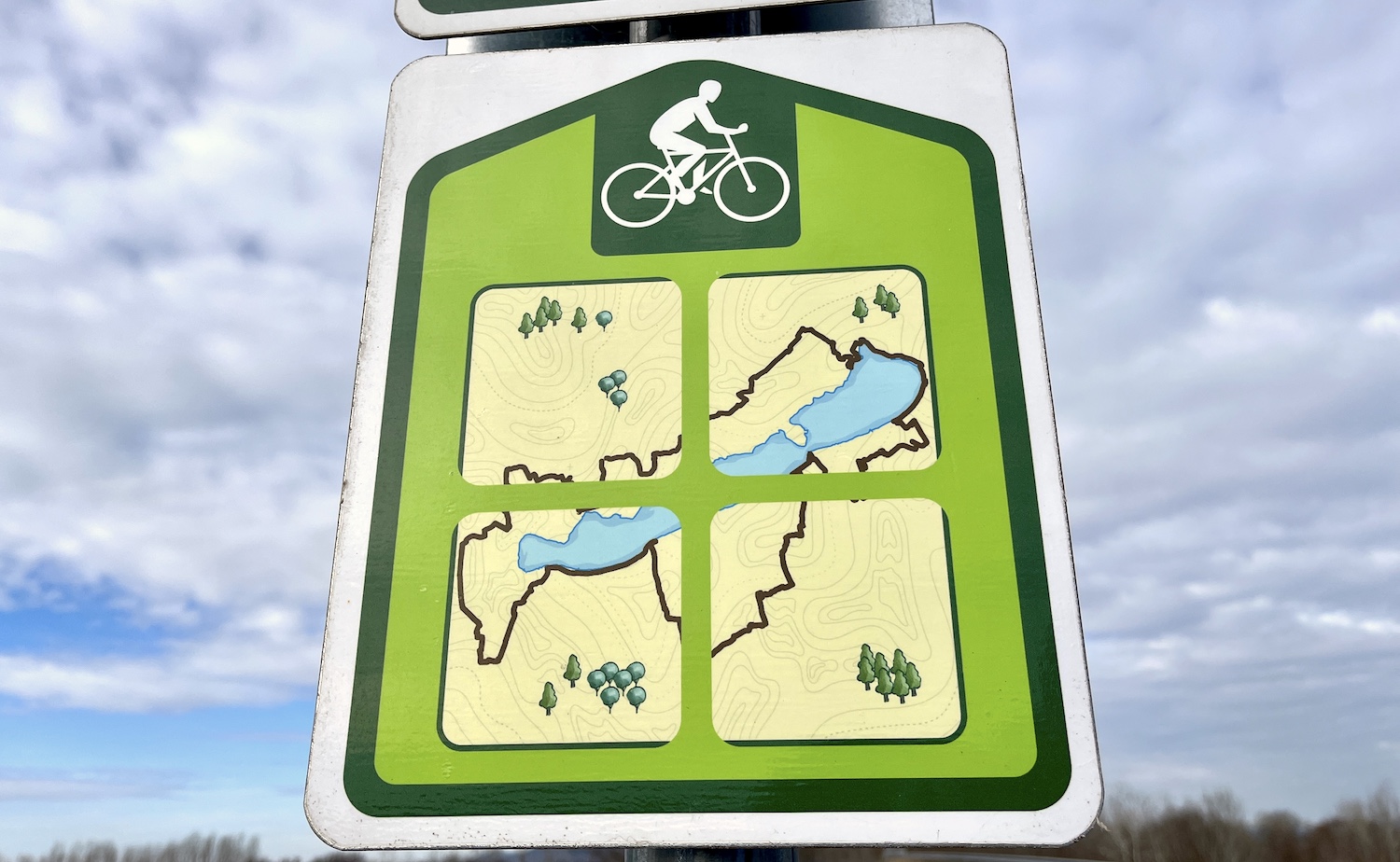
Among route signs, always look for KK400 signs with the Balaton graphic. Sometimes several BalatonBike365 signs are mounted at the same point, so do not let that confuse you. You may also encounter signs that do not mark the KK400 route. This is not necessarily a problem, because KK400 overlaps with other BB365 routes, and in some places fewer KK400 signs may be installed. But if you keep seeing BB365 signs and no KK400 signs, it is worth checking whether you turned the wrong way.
If you have completed the given distance and scanned the QR codes (stage boundary start point, checkpoints, and stage boundary end point), the stage appears in your profile (also under "Stages") as completed, with date, completion time, and direction. An online certificate/stamp will be sent to you by email shortly. If you complete all 12 stages, we will also notify you by email and you will be eligible for the related gift.
2. Complete it with GPS:
If you want to ride KalandKör400 using your own device, download the GPX files of the stages in advance on https://kk400.balatonbike365.hu under the "Stages" menu by clicking each stage. Look for the "Download GPX" button. From the BalatonBike365 site, by opening https://www.balatonbike365.hu/turautvonal/kalandkor400 in the tour routes and signing in, you can also download the GPX file of the full KalandKör.
By displaying the GPX in your own route planner, you can even add your approach route to the stage boundary; this will not affect completion verification. If a GPX file contains the given KK400 stage, it does not matter where you rode before or after, the system will recognize completion from stage boundary to stage boundary.
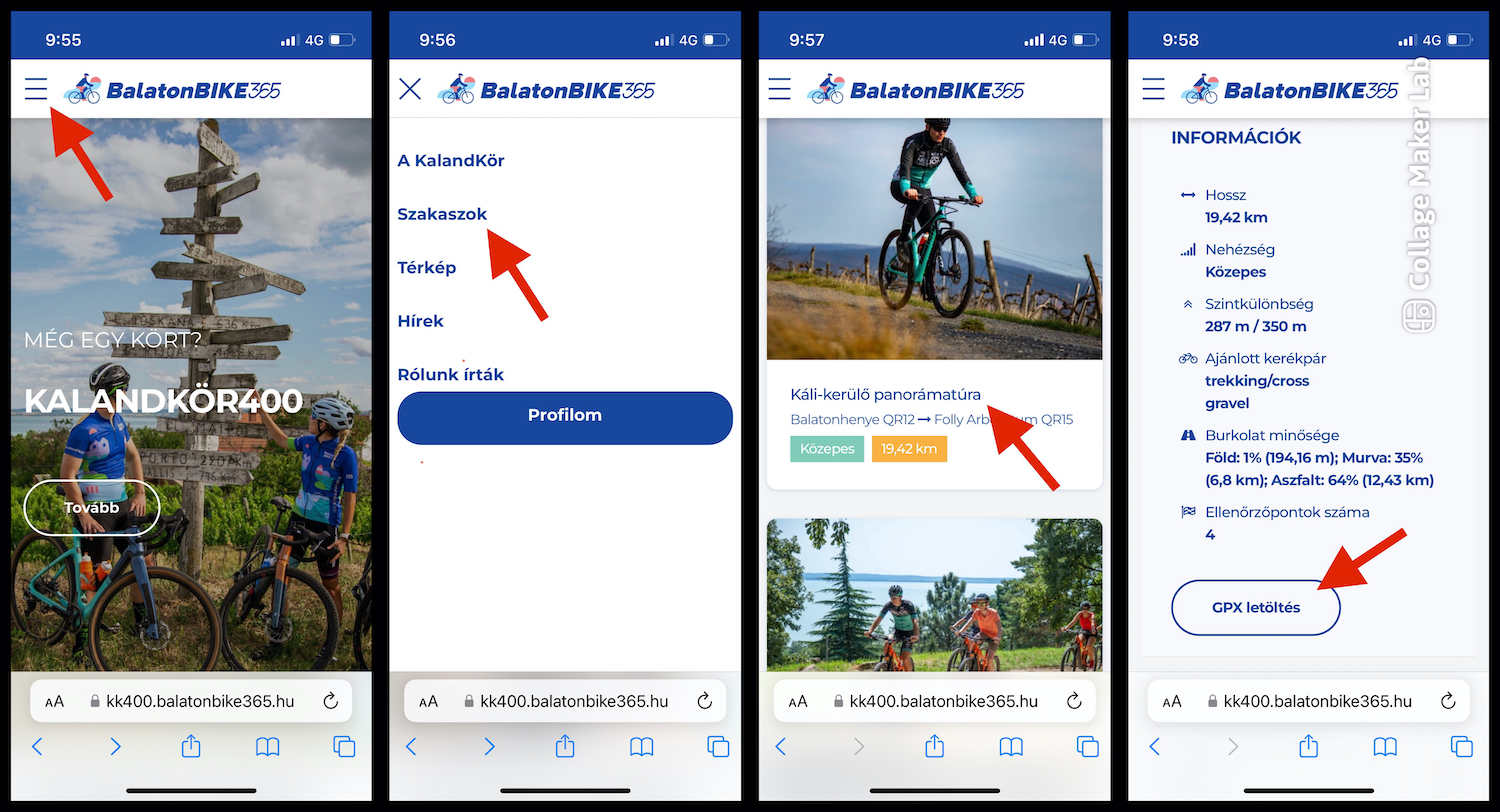
Upload the route to your device and complete it with navigation, but it is still worth checking whether you passed the QR codes, and whether you covered the stage start and finish marked by "stage boundary" signs. On such a long route, updates may occasionally happen, so signage may not always follow the track exactly. In those cases, decide reasonably: if you started by GPX, follow it when possible, but if, for example, a closure blocks the track, follow the signs for a while. For reassurance: this is not common.
After completing the stage (or several stages), save the activity and download the GPX file of your own activity. Then upload that file to https://kk400.balatonbike365.hu by selecting "Completion verification"/GPX upload in your profile. After a successful upload, your ridden route appears in your profile (also under "Stages") as completed stage(s), with date, completion time, and direction. An online certificate/stamp will be sent to you by email shortly. If you complete all 12 stages, we will also notify you by email and you will be eligible for the related gift.
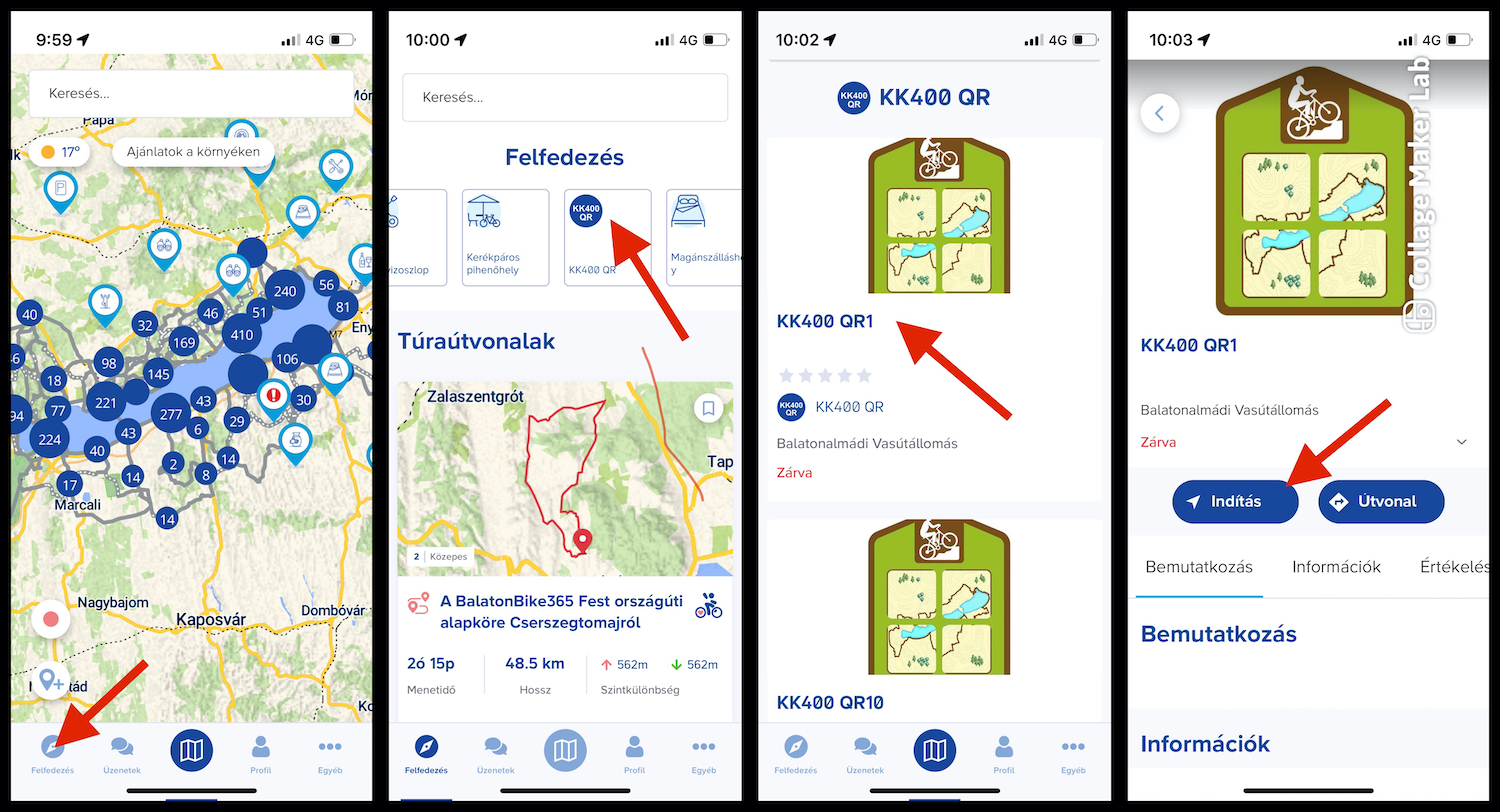
Navigation with the BalatonBike365 application:
In the app, enter the Discover menu at the bottom and scroll the top row to the right; there you can find all 50 KK400 QR codes, and the app can navigate you to any selected point. While completing a KK400 stage, note that QR codes are not only at stage boundaries: if you choose phone-based recording, you must also scan the QR codes placed during the stage. The full KalandKör400 route is also available in the BB365 app as a tour, so the loop can be completed with that as well.